Knit it Now
Back to Knit it Now
Home
← How does Automatic Patterning Work?
Course Contents
Knit in a Stitch Pattern →
Mastering the Silver Reed SK840
Patterning Goals
Automatic Stitch Patterning · Lesson 3 of 12
What do you want to knit?
Use DAK to send Stitch patterns to the SK840
Download printable checklists
1
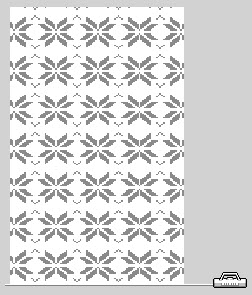
Knit in a stitch pattern
When you want to knit a rectangle or a swatch with an all-over stitch pattern.
Just let DesignaKnit position the motif repeating it to fill the stitches and rows.
Checklist
2
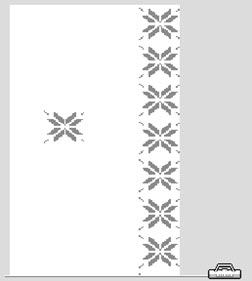
Position a Stitch pattern
When you are knitting a rectangle (or a swatch) and you want to control where the stitch pattern is positioned.
Single Motif
Horizontal Border
Vertical Border
Tile
Checklist
3
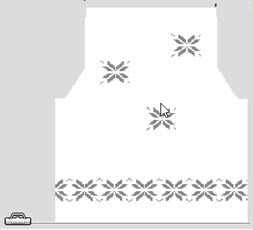
Knit a garment piece in pattern
Integrate a stitch pattern with a garment piece. Use Interactive knitting to both display stitch pattern instructions AND shaping instructions
Checklist
← How does Automatic Patterning Work?
Course Contents
Knit in a Stitch Pattern →
Video
Close
Image
Close
Glossary
Close